
Clipy
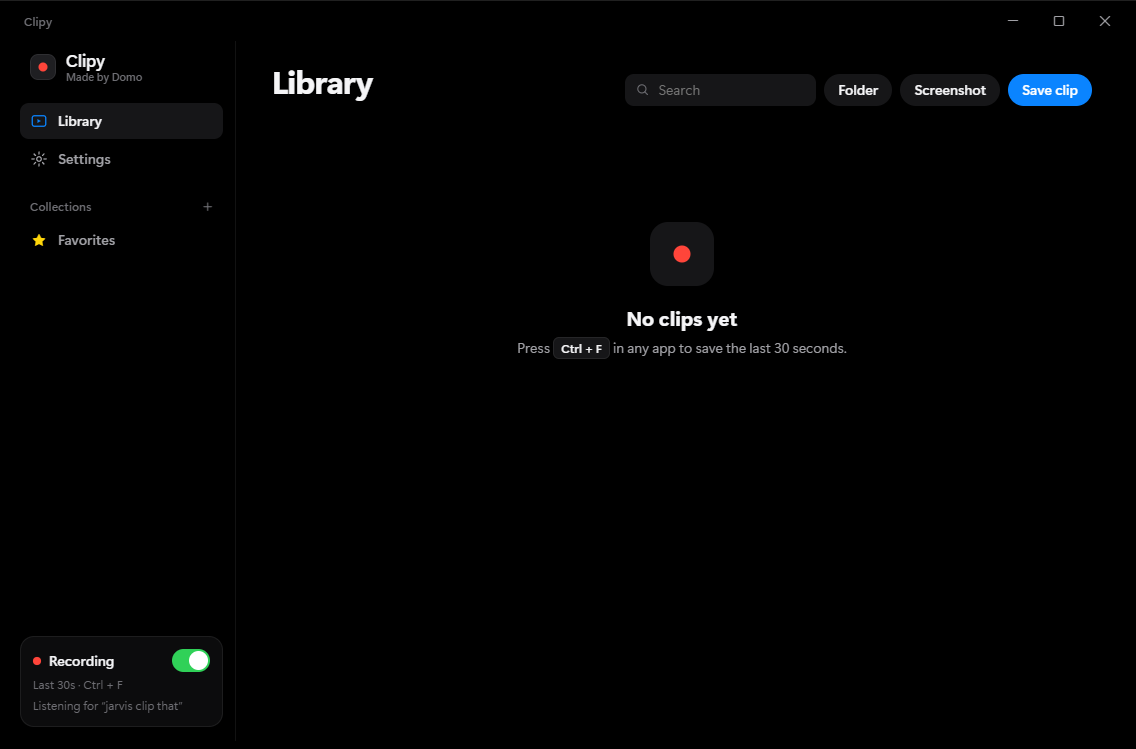
Records your screen in the background and saves the last 30 seconds when you press Alt+F8. Free, for Windows.
Measured in Task Manager on a Ryzen 5 5600X with an RTX 2070, recording 1440p at 60 fps.
Clipy vs Medal
Memory used in the background while recording. Lower is better.
Features
Hotkey or voice
Press Alt+F8, or say “clip that”. Voice runs offline through Windows speech recognition, on the mic you pick.
Encodes on your GPU
Uses NVIDIA, AMD or Intel hardware encoding, with a CPU fallback. Saving joins the last few seconds without re-encoding.
Copy and paste into Discord
Ctrl+C a clip, Ctrl+V it into Discord. It copies as a real file.
Export to a size limit
Presets for Discord's 10 MB, 50 MB and 500 MB limits, plus HEVC, GIF and MP3. All editable.
Separate audio tracks
Each clip has a mixed track, plus game audio and mic on their own tracks for editing.
Named after the game
Clips are labeled with the game you were in. Roblox clips use the experience's name and icon.
Screenshots
Alt+F7 saves a PNG of your screen next to your clips.
Trim, rename, favorite
Frame-accurate trimming, click a title to rename, and filter by game, type or date.
Download
- Version
- 0.1.0
- Size
- 61 MB
- Requires
- Windows 10 or 11, 64-bit
- Recommended
- An NVIDIA, AMD or Intel GPU
- Installs to
- Your user folder, no admin needed
Clipy isn't code-signed yet, so Windows may show “Windows protected your PC”. Click More info, then Run anyway.
FAQ
Is it free?
Yes. No account, no subscription, no watermark.
Is it open source?
Yes. The full source code is at git.madebydomo.com/domo/clipy.
Does it upload my clips?
No. Clips are saved to Videos\Clipy on your PC and stay there. Clipy only goes online for two things: checking git.madebydomo.com for updates (you can turn this off in Settings), and sending a Roblox game ID to look up the game's name and icon when you clip in Roblox.
Will it lower my FPS?
Recording runs on your graphics card's video encoder, so the game's frames aren't competing with it for CPU. In our test it used about 0.6% CPU.
Where does the replay buffer live?
On disk, as 2-second pieces that get overwritten in a loop. It takes 10 to 40 MB, and none of your RAM.
Can I change the hotkey or clip length?
Yes, both are in Settings, along with the voice phrase, mic, frame rate and quality.
Why does Windows warn me when I install it?
The installer isn't signed with a paid certificate yet. Click More info, then Run anyway.